

A website can start small, but successful websites often grow quickly.
As your traffic increases, your hosting environment becomes more important. A hosting plan that works perfectly for a small business website may struggle when thousands of visitors start accessing the website at the same time.
Slow loading pages, server downtime, database errors, and poor performance can affect both user experience and business conversions. For websites that receive high traffic, choosing the right hosting is not simply about finding the cheapest plan. It is about finding a hosting environment that can handle your current traffic and scale as your website grows.
In this guide, we'll explain how to choose hosting for a high-traffic website, what features you should consider, and how VPS, cloud, dedicated, and managed hosting compare.
Table of Contents
- What Is a High-Traffic Website?
- Why Hosting Matters for High-Traffic Websites
- Key Factors to Consider When Choosing Hosting
- Types of Hosting for High-Traffic Websites
- VPS Hosting vs Cloud Hosting vs Dedicated Hosting
- How Much Server Resources Do You Need?
- Why Scalability Is Important
- Website Speed and Performance
- Uptime and Reliability
- Security Features to Look For
- Backup and Disaster Recovery
- Server Location and CDN
- Managed vs Unmanaged Hosting
- Common Hosting Mistakes to Avoid
- How to Choose the Right Hosting Plan
- Frequently Asked Questions
- Final Thoughts
1. What Is a High-Traffic Website?
There is no single number that officially defines a "high-traffic website."
A website can be considered high traffic when it consistently receives enough visitors or requests that basic shared hosting resources become insufficient.
Examples may include:
- E-commerce websites
- News and media websites
- Online learning platforms
- SaaS applications
- Popular blogs
- Business websites running advertising campaigns
- Membership websites
- Booking and reservation platforms
- Websites experiencing seasonal traffic spikes
The important point is that traffic volume is only one part of the equation.
Two websites receiving the same number of visitors may require very different hosting resources depending on their database usage, website architecture, plugins, images, videos, and applications.
2. Why Hosting Matters for High-Traffic Websites
When your website starts receiving more visitors, the server has to process more requests.
If the hosting environment does not have enough resources, you may experience:
- Slow page loading
- Server errors
- Database connection problems
- Website downtime
- Poor user experience
- Failed transactions
- Lower conversions
- Difficulty handling traffic spikes
For example, imagine an e-commerce website running a major promotional campaign.
A sudden increase in visitors can create thousands of simultaneous requests. If the server cannot handle the additional workload, pages may load slowly or become temporarily unavailable.
That's why hosting for high-traffic websites should be selected based on performance, reliability, and scalability—not just storage space.
3. Key Factors to Consider When Choosing Hosting
Before purchasing a hosting plan, evaluate these important factors.
3.1 CPU and RAM
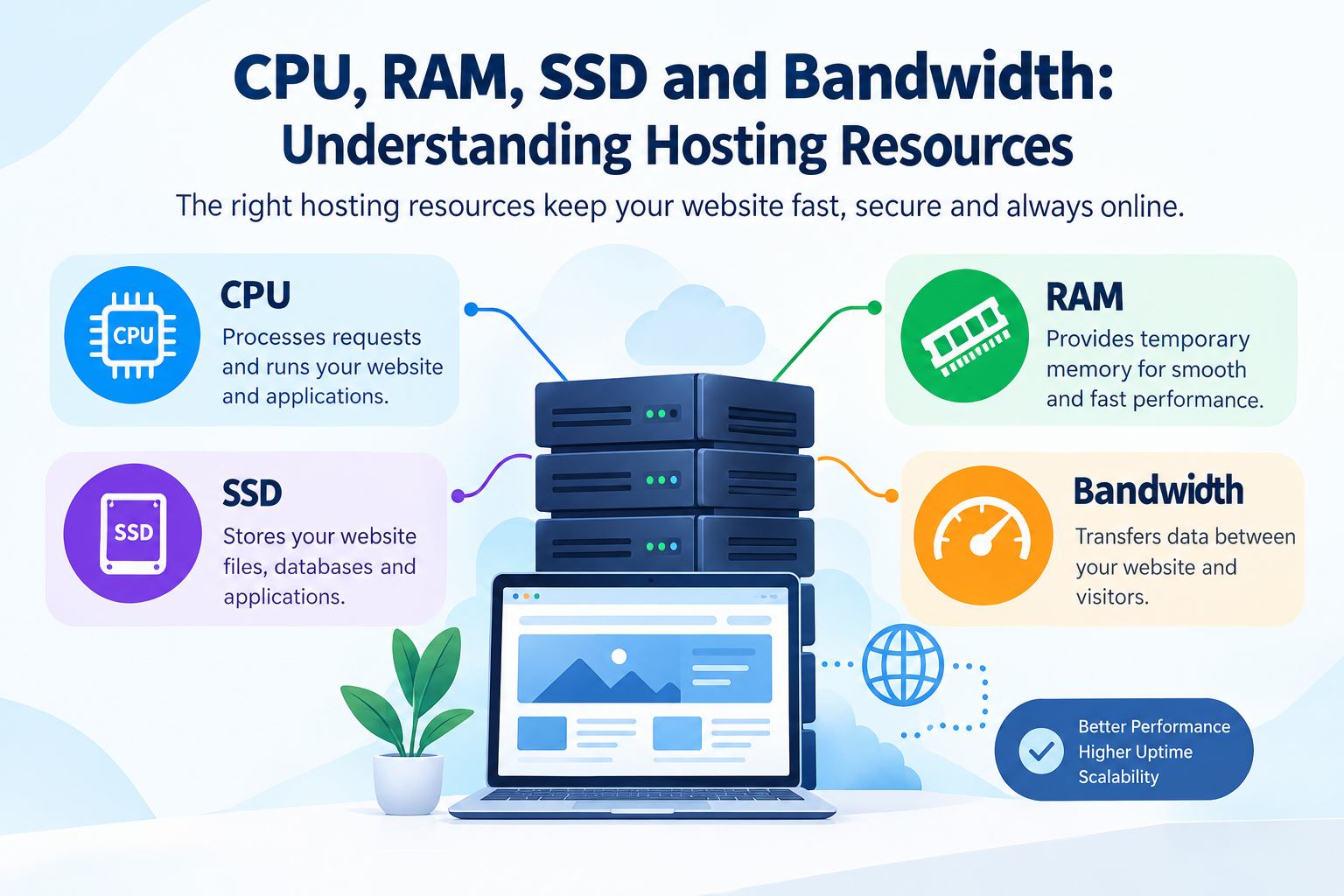
CPU processes website requests, while RAM helps the server handle applications and processes efficiently.
High-traffic websites generally need more resources than simple websites.
Look for hosting providers that clearly explain:
- CPU allocation
- RAM
- Storage
- I/O limits
- Network capacity
- Resource usage limits
Avoid choosing a plan based only on the amount of storage provided.
3.2 Scalability
Traffic isn't always predictable.
A website may normally receive moderate traffic but experience a significant spike because of:
- A product launch
- A marketing campaign
- A viral social media post
- Seasonal sales
- News coverage
- Advertising campaigns
Your hosting should allow you to increase resources when necessary.
Scalability is one of the most important features of high-traffic website hosting.
3.3 Server Performance
Server performance directly affects how quickly your website can respond to visitors.
Consider:
- CPU performance
- RAM
- Storage technology
- Network speed
- Server configuration
- Database performance
- Caching options
Modern SSD or NVMe-based storage can provide faster data access than traditional HDD storage, depending on the hosting environment.
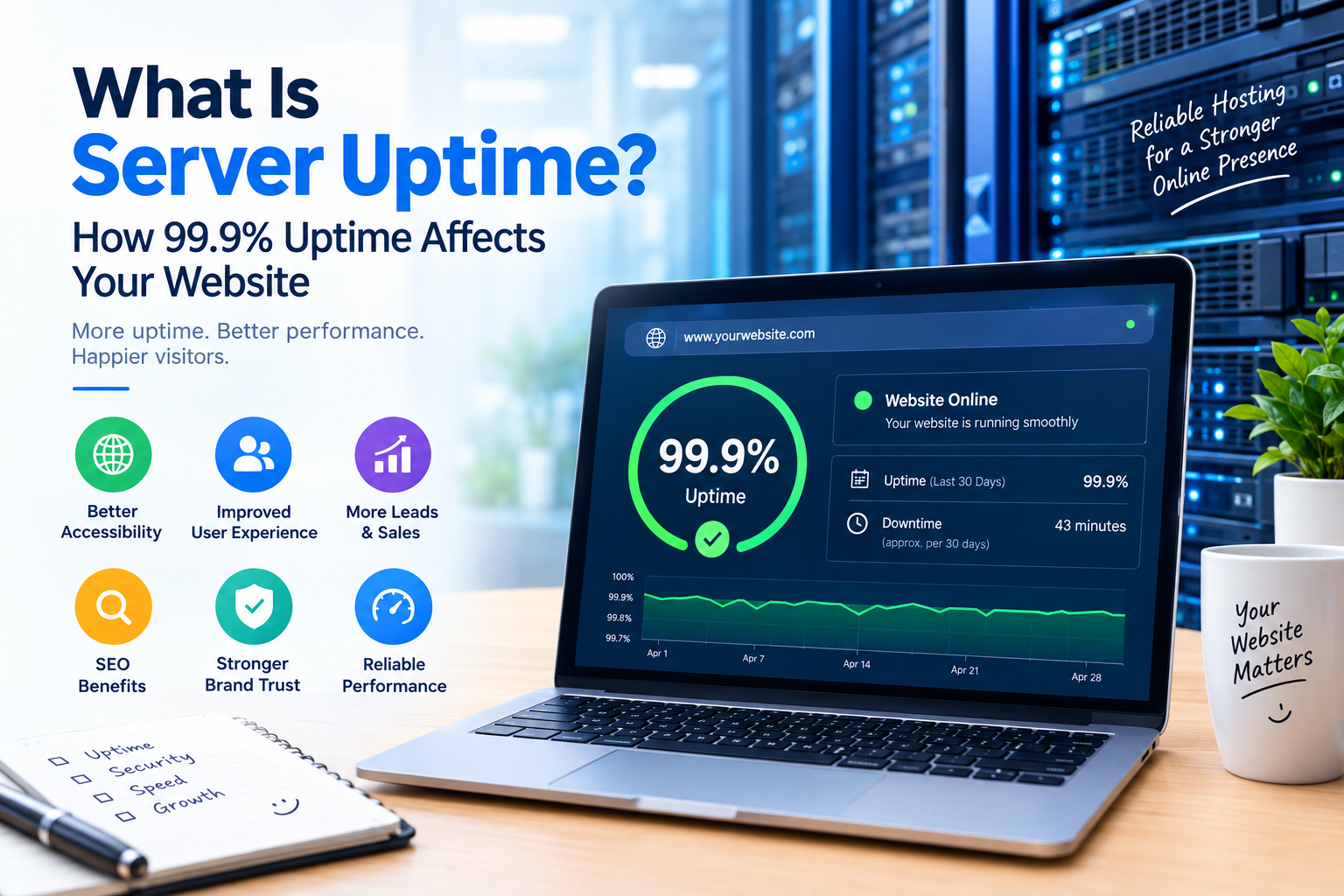
3.4 Uptime and Reliability
Website downtime can result in lost visitors and missed business opportunities.
When comparing hosting providers, check their published uptime commitments and understand what their service-level agreement actually covers.
Don't focus only on a percentage displayed on a sales page. Look at:
- Monitoring
- Redundancy
- Backup systems
- Infrastructure reliability
- Support response
- Disaster recovery
4. Types of Hosting for High-Traffic Websites
Different hosting environments are designed for different requirements.
The most common options include:
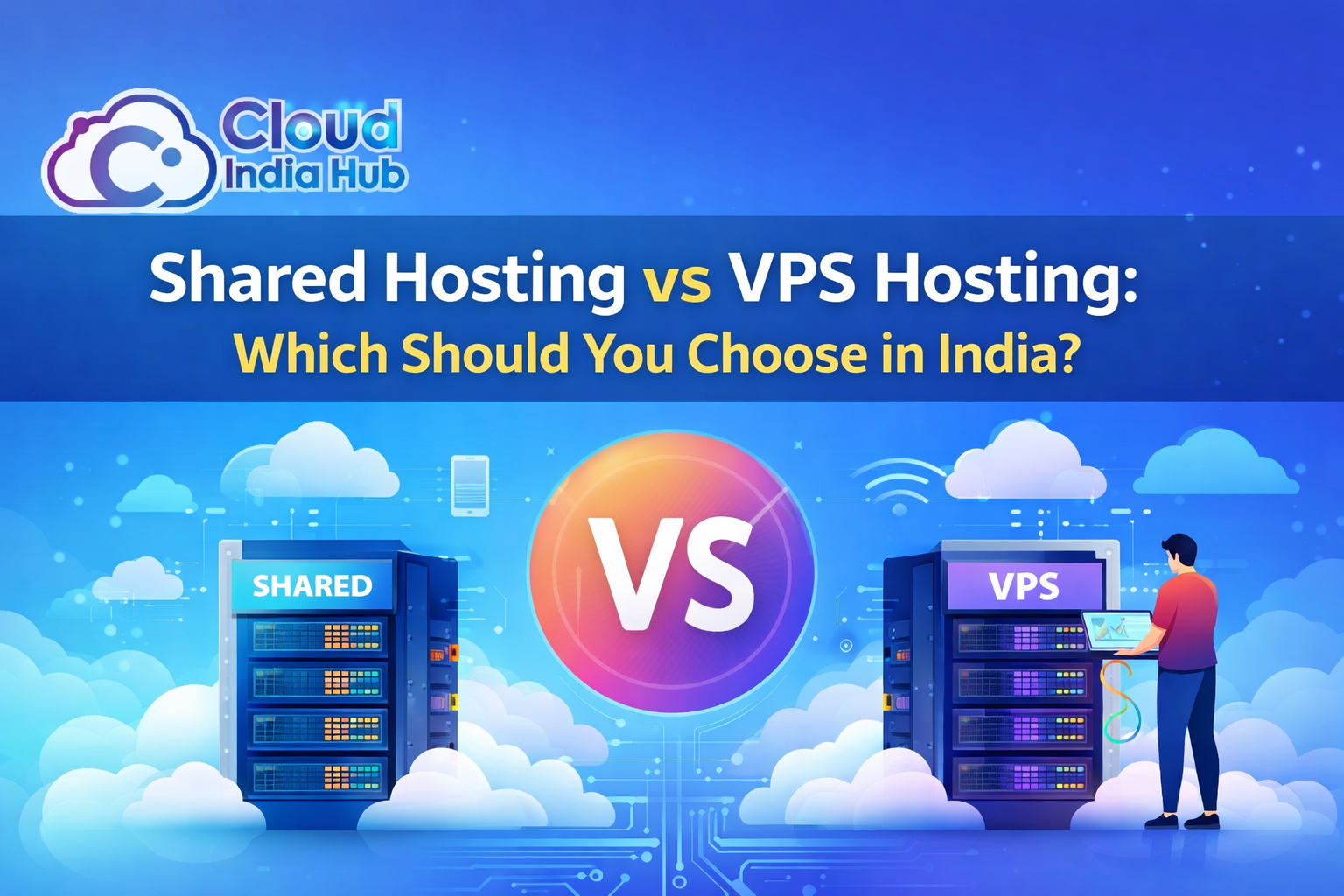
Shared Hosting
Multiple websites share the same server resources.
Suitable for:
Small websites and low-to-moderate traffic websites.
Advantages:
- Affordable
- Easy to manage
- Beginner-friendly
Limitations:
- Limited resources
- Less control
- Performance can be affected by resource usage on the server
For a consistently high-traffic website, shared hosting may not provide enough flexibility.
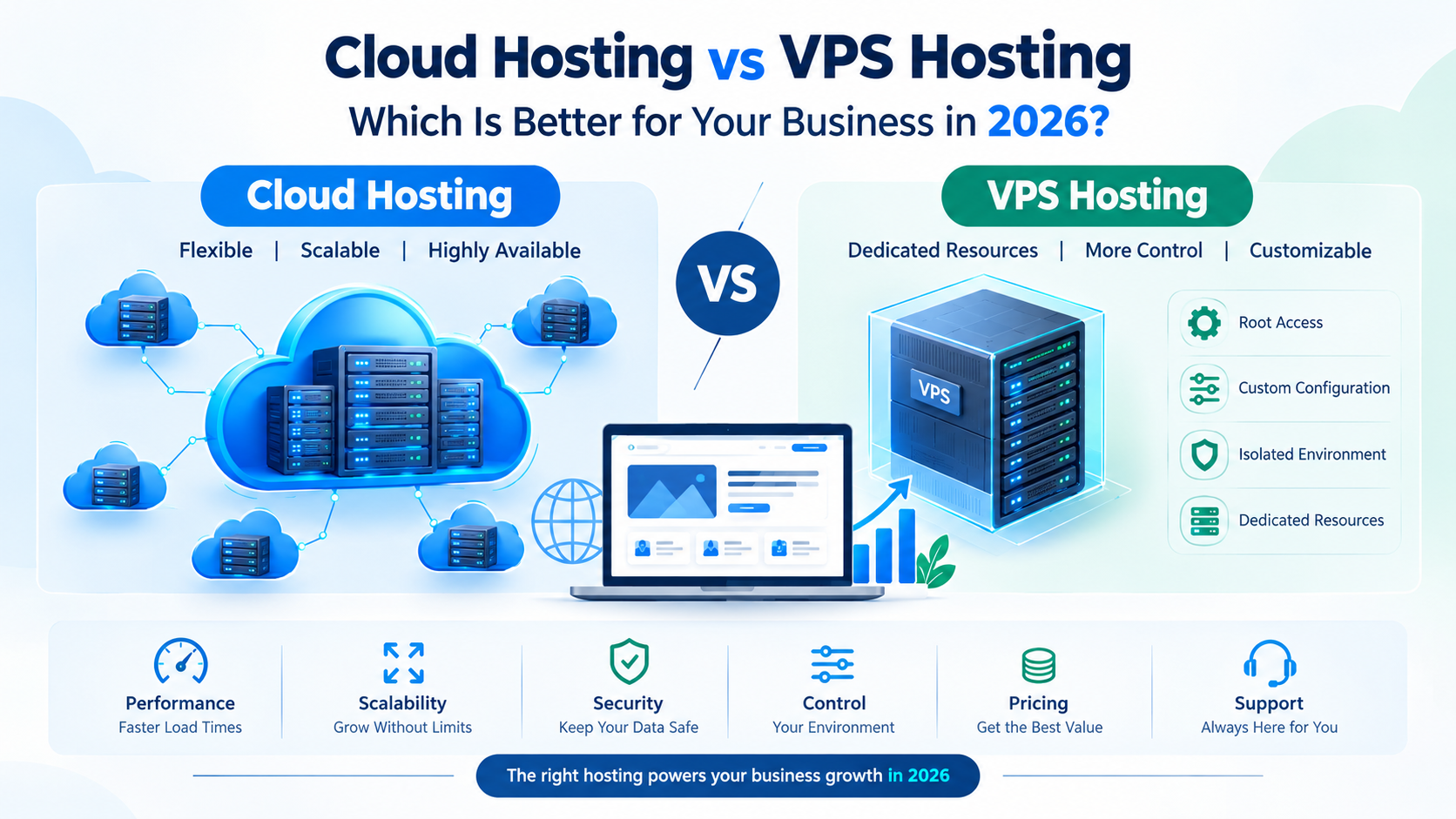
VPS Hosting
A Virtual Private Server provides dedicated portions of server resources within a virtualized environment.
Suitable for:
- Growing websites
- Business websites
- Medium-to-high traffic websites
- Websites requiring more server control
Advantages:
- More control than shared hosting
- Dedicated resource allocations depending on the plan
- Better scalability
- Greater configuration flexibility
VPS hosting can be a practical step when a website has outgrown shared hosting.
Cloud Hosting
Cloud hosting distributes workloads across a cloud infrastructure rather than relying on a single traditional server.
Suitable for:
- Growing websites
- High-traffic websites
- E-commerce platforms
- Applications with unpredictable traffic
Advantages:
- Flexible resource scaling
- High availability options
- Suitable for traffic fluctuations
- Infrastructure flexibility
Cloud hosting can be particularly useful when traffic patterns are difficult to predict.
Dedicated Hosting
With dedicated hosting, an entire physical server is allocated to one customer.
Suitable for:
- Large websites
- Resource-intensive applications
- High-volume databases
- Businesses requiring extensive server control
Advantages:
- High resource availability
- Greater control
- Custom server configurations
- No other customer websites sharing the physical server
Limitations:
- Higher cost
- More technical management
- Scaling may require additional infrastructure planning
5. VPS Hosting vs Cloud Hosting vs Dedicated Hosting
| Feature | VPS | Cloud | Dedicated |
|---|---|---|---|
| Cost | Moderate | Flexible | Higher |
| Scalability | Good | Excellent | Depends on setup |
| Control | High | High | Very High |
| Performance | Good | High | Very High |
| Resource flexibility | Good | Excellent | High |
| Best for | Growing websites | Variable/high traffic | Resource-intensive sites |
There is no universal hosting solution for every high-traffic website.
The right option depends on your website's traffic patterns, technical requirements, budget, application architecture, and growth plans.
6. How Much Server Resources Do You Need?
One of the most common mistakes is choosing hosting based only on visitor numbers.
Instead, consider:
Traffic volume
How many visitors does your website receive per day and per month?
Concurrent users
How many people may use the website simultaneously during peak periods?
Dynamic vs static content
A simple cached page generally requires fewer resources than a database-heavy application.
Database usage
Websites with large databases or frequent database queries may need additional CPU and RAM.
Plugins and applications
CMS plugins, e-commerce functionality, analytics, APIs, and other applications can increase resource requirements.
Media
Large images, videos, downloads, and other media can increase bandwidth requirements.
7. Why Scalability Is Important
Traffic growth is not always linear.
You might receive 5,000 visitors one day and significantly more during a campaign or special event.
A scalable hosting setup allows you to increase resources without completely rebuilding your website infrastructure.
Depending on your hosting environment, scalability may involve increasing:
- CPU
- RAM
- Storage
- Bandwidth
- Database capacity
- Server instances
For growing businesses, planning for scalability from the beginning can prevent many future hosting problems.
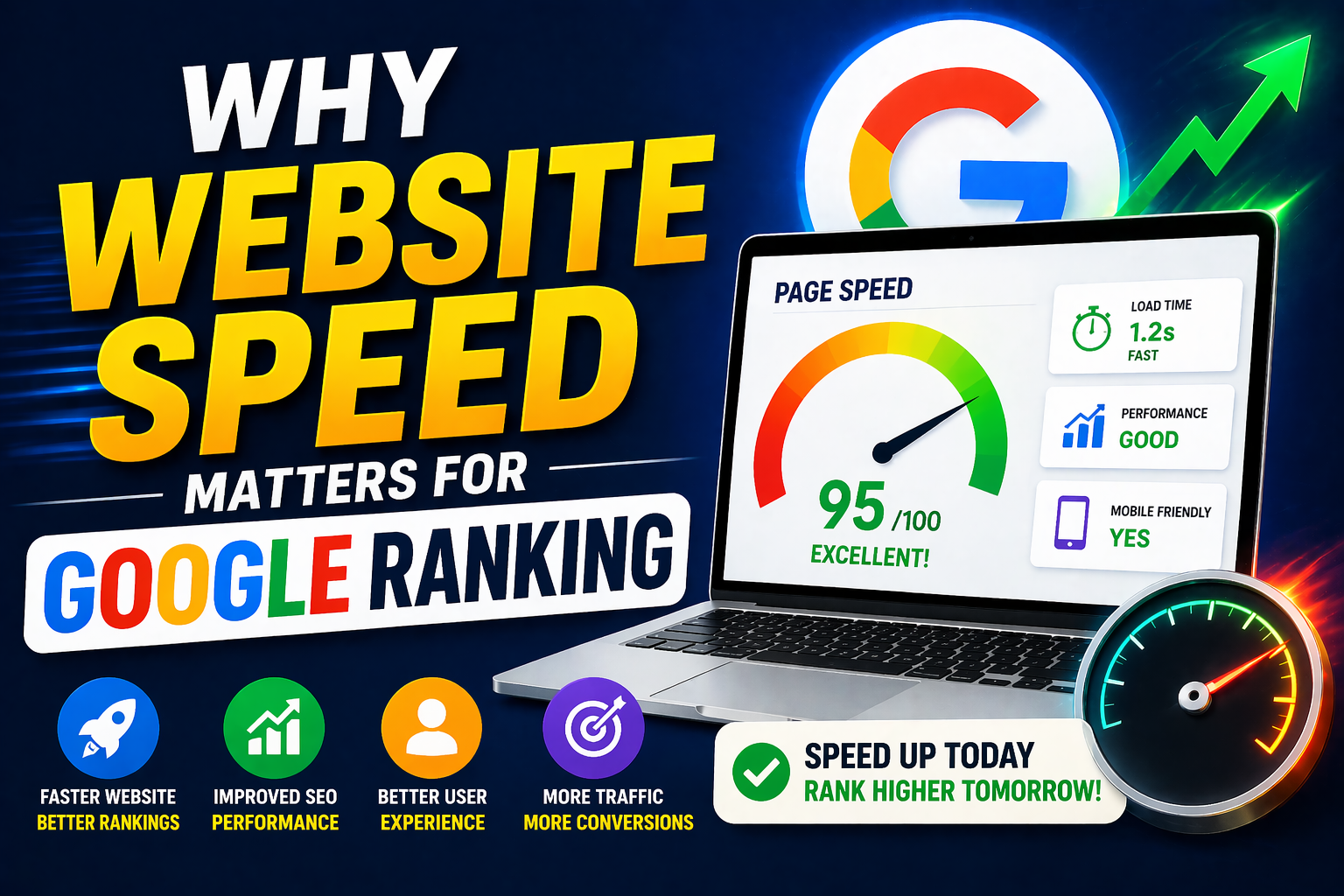
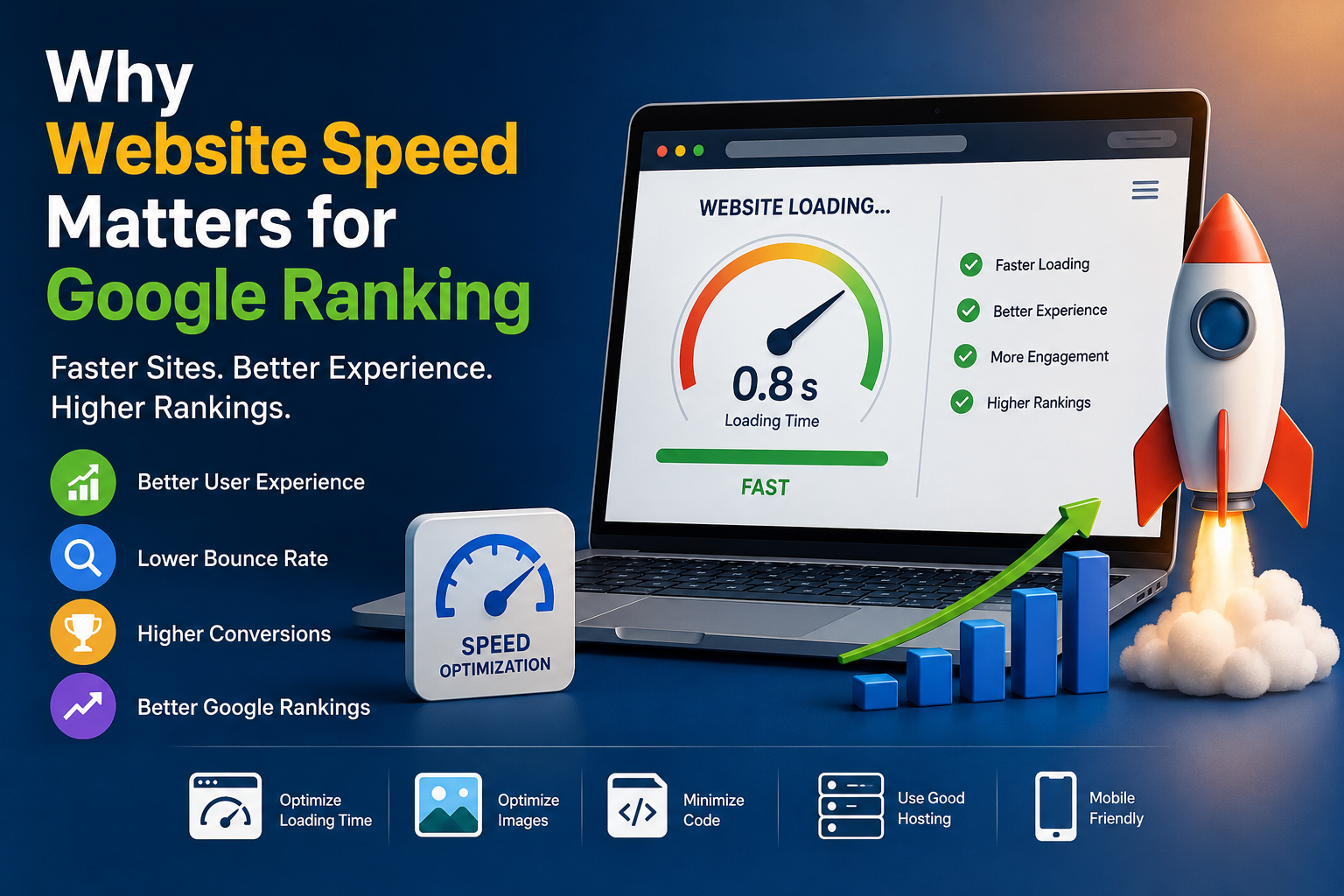
8. Website Speed and Performance
Website speed is important for both users and search visibility.
A slow website can increase frustration and make visitors leave before completing an action.
Your hosting environment is only one part of website performance, but it provides the foundation.
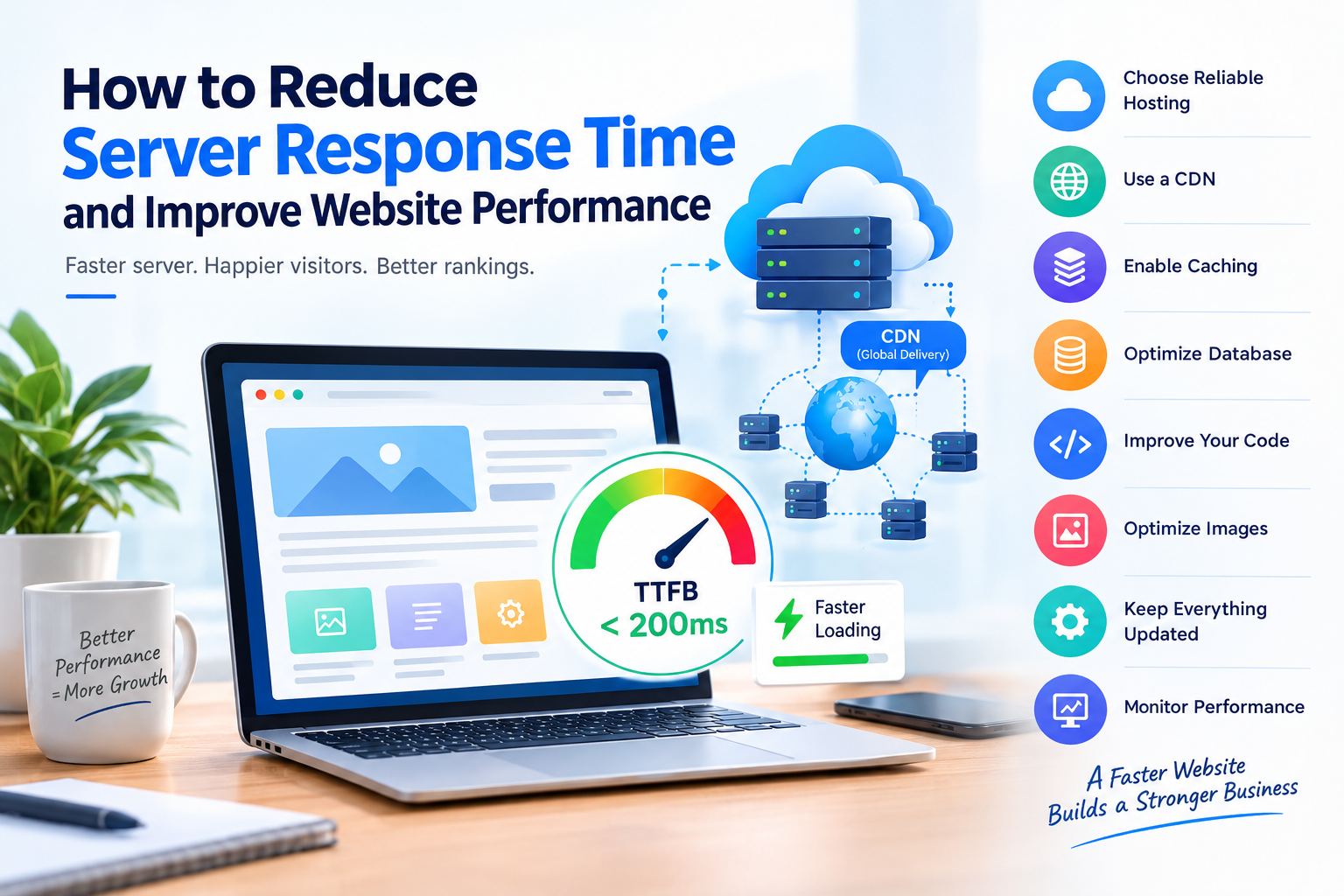
You can improve performance through:
- Server-side caching
- Browser caching
- Image optimization
- CDN implementation
- Database optimization
- Code optimization
- Lightweight themes
- Plugin management
A fast hosting server cannot completely compensate for poorly optimized website code.
9. Uptime and Reliability
For a high-traffic business website, reliability is critical.
Imagine an online store going offline during a major promotional campaign. Even a short outage can prevent customers from accessing products or completing purchases.
When evaluating a hosting provider, check:
- Uptime commitments
- Monitoring systems
- Infrastructure redundancy
- Network reliability
- Backup procedures
- Disaster recovery options
- Technical support availability
Also check how the provider handles incidents rather than relying only on marketing claims.
10. Security Features to Look For
High-traffic websites can become attractive targets for automated attacks and malicious activity.
Your hosting environment should support strong security practices such as:
- SSL/TLS certificates
- Firewall protection
- Malware monitoring
- DDoS protection
- Secure server configuration
- Regular backups
- Software updates
- Access control
- Multi-factor authentication where available
Security should be considered together with website-level protections such as secure plugins, strong passwords, updates, and application firewalls.
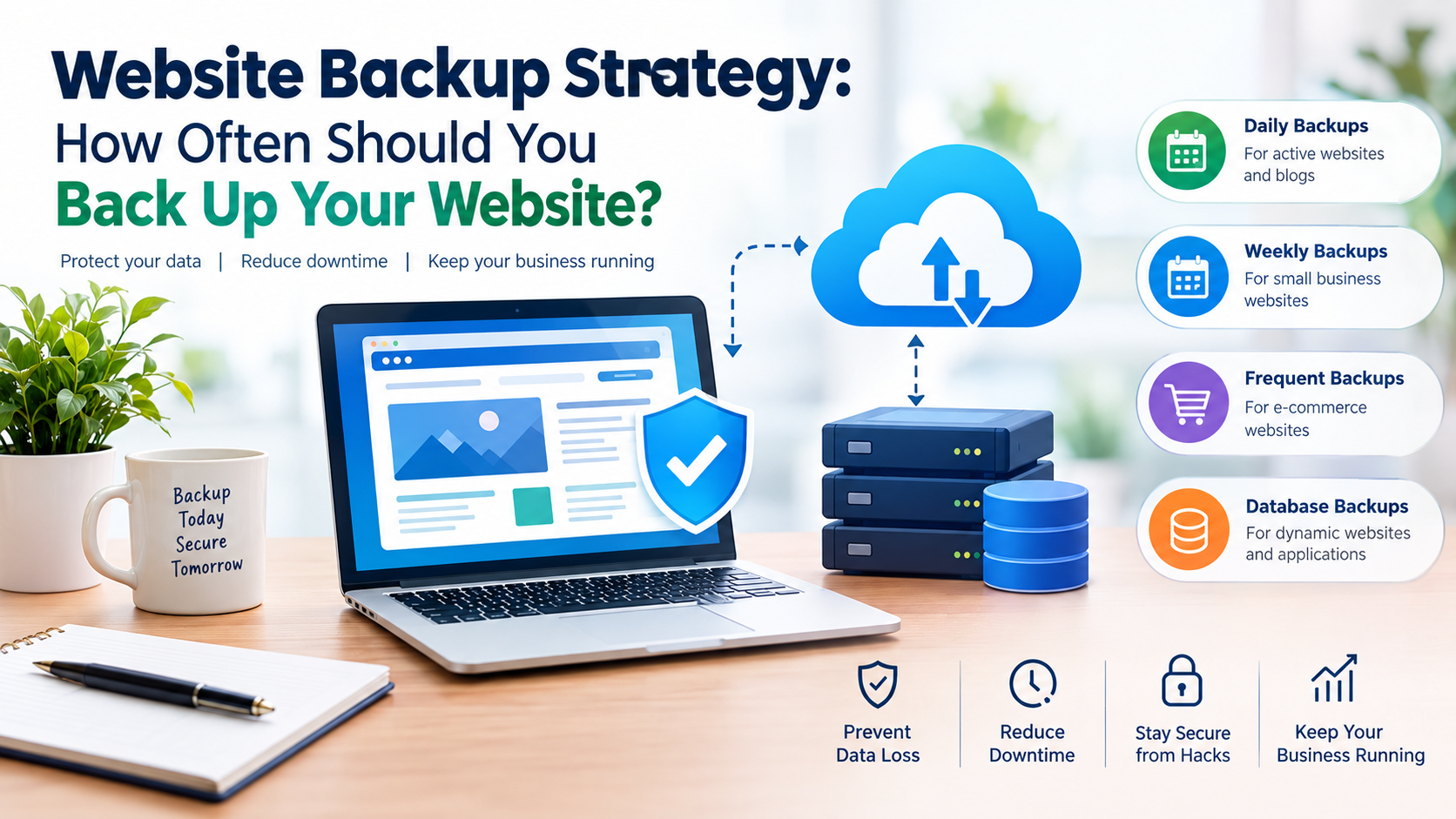
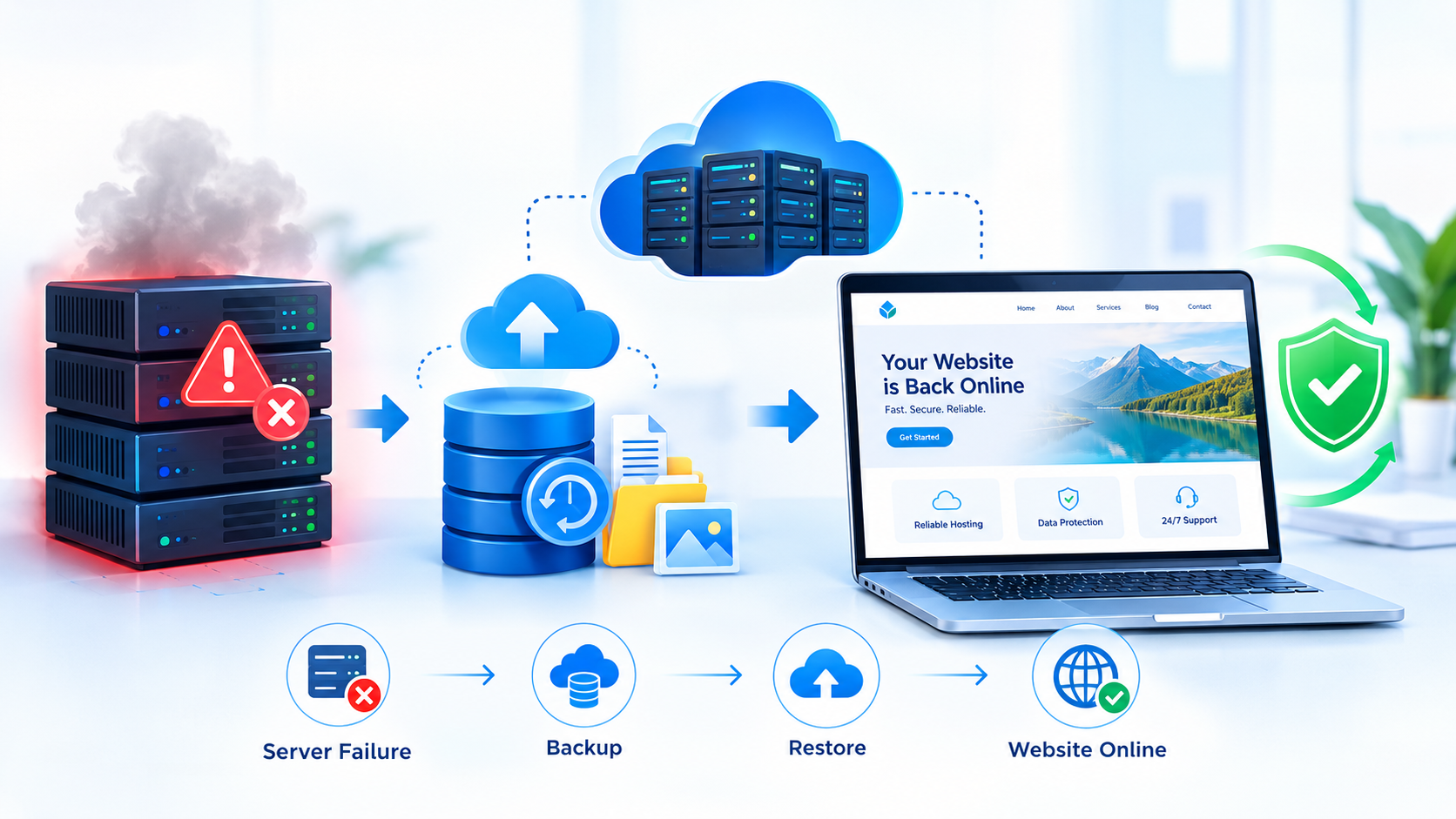
11. Backup and Disaster Recovery
Backups are essential for any important website.
Before selecting a hosting provider, understand:
- How frequently backups are created
- How long backups are retained
- Where backups are stored
- Whether backups are automated
- How restoration works
- Whether backup restoration costs extra
Ideally, important website data should not depend on a single copy stored on the same infrastructure.
12. Server Location and CDN
The physical location of your hosting infrastructure can affect network latency for visitors.
If most of your audience is in India, selecting infrastructure geographically closer to your primary audience can help reduce network latency.
A Content Delivery Network (CDN) can further improve performance by serving cached static content from locations closer to visitors.
A CDN can be particularly useful for websites with:
- Large images
- CSS and JavaScript files
- Videos
- Static assets
- International visitors
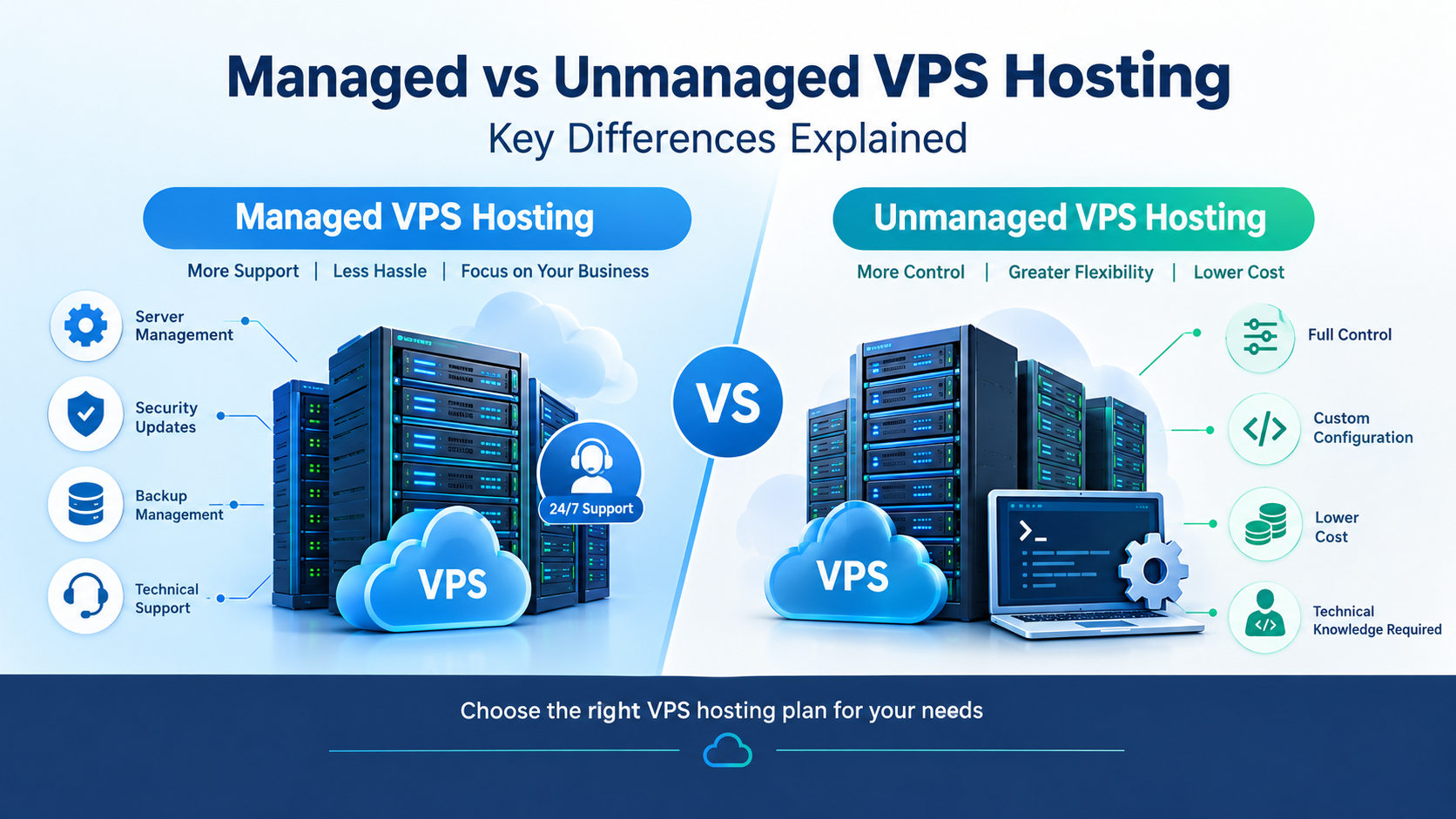
13. Managed vs Unmanaged Hosting
Another important decision is whether you want managed or unmanaged hosting.
Managed Hosting
The hosting provider handles more server administration tasks.
This can include:
- Server maintenance
- Security updates
- Monitoring
- Backups
- Technical support
It can be useful for businesses without dedicated server administrators.
Unmanaged Hosting
You have greater responsibility for:
- Server configuration
- Updates
- Security
- Monitoring
- Troubleshooting
Unmanaged hosting may provide greater control, but it generally requires more technical knowledge.
14. Common Hosting Mistakes to Avoid
Choosing only based on price
The cheapest hosting plan may not provide enough resources for a growing website.
Ignoring traffic spikes
Don't calculate resources only from your average traffic.
Consider your peak traffic as well.
Looking only at storage
A large storage limit doesn't automatically mean better performance.
CPU, RAM, I/O, network capacity, and server architecture also matter.
Not checking backup policies
Never assume backups are included or sufficient. Verify the actual backup and restoration process.
Ignoring support
When a high-traffic website goes down, fast technical support can be extremely valuable.
Overbuying resources
At the same time, you don't necessarily need the most expensive server.
Choose resources based on actual requirements and expected growth.
15. How to Choose the Right Hosting Plan
Use this simple process:
Step 1: Analyze your current traffic
Check your analytics and identify:
- Monthly visitors
- Daily visitors
- Peak traffic
- Concurrent users
- Traffic sources
Step 2: Identify your website requirements
Determine whether your website is:
- A blog
- E-commerce store
- Business website
- SaaS application
- Membership platform
- Database-heavy application
Step 3: Estimate future growth
Consider how much traffic you expect over the next 12–24 months.
Step 4: Compare hosting types
Evaluate:
- VPS
- Cloud
- Dedicated
- Managed hosting
Step 5: Compare technical specifications
Look at:
- CPU
- RAM
- Storage
- Bandwidth
- I/O
- Database limits
- Scalability
Step 6: Check security and backups
Make sure your website has appropriate protection and recovery options.
Step 7: Evaluate support
Check the provider's support channels, response times, and technical expertise.
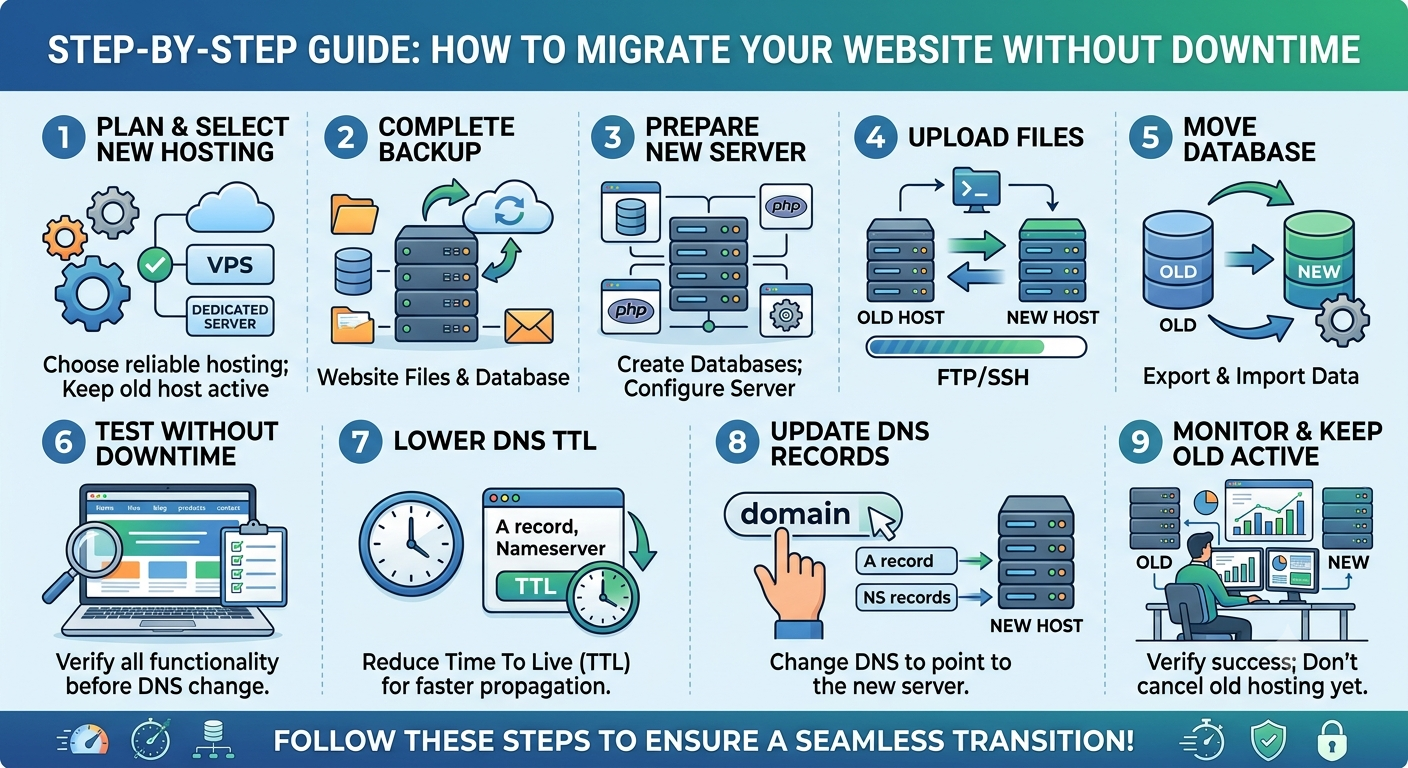
Step 8: Monitor after migration
After moving to a new hosting environment, monitor:
- Page speed
- Server response time
- CPU usage
- RAM usage
- Error rates
- Downtime
- Database performance
This data can help you determine whether your hosting resources are appropriate.
Frequently Asked Questions
What is the best hosting for a high-traffic website?
There isn't one hosting type that is best for every website. VPS, cloud, and dedicated hosting can all be suitable depending on traffic, application requirements, scalability needs, technical expertise, and budget.
Is shared hosting suitable for high-traffic websites?
Shared hosting can work for smaller websites, but websites with consistently high traffic or demanding applications may need more dedicated and scalable resources.
Is cloud hosting good for high traffic?
Cloud hosting can be useful for websites with variable or growing traffic because cloud infrastructure can provide flexible resource allocation and scaling options.
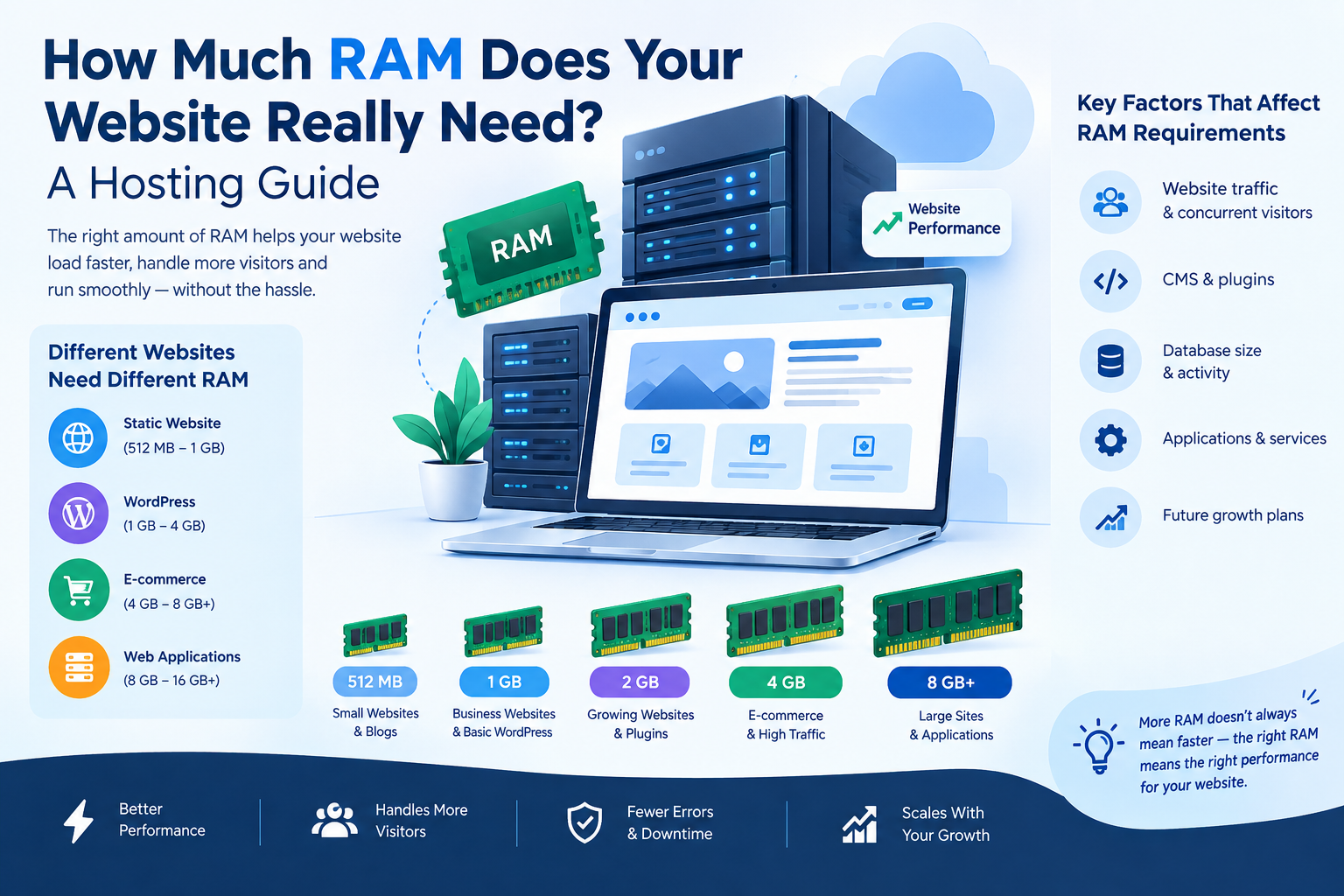
How much RAM does a high-traffic website need?
There is no universal RAM requirement. It depends on traffic, applications, database size, CMS configuration, caching, and concurrent users.
Does hosting affect SEO?
Hosting can indirectly affect SEO through factors such as website availability, server response time, page performance, and user experience. Hosting alone does not guarantee higher search rankings.
Should I choose VPS or dedicated hosting?
The decision depends on your resource requirements, budget, technical expertise, and need for server control. A VPS may provide sufficient resources for many growing websites, while dedicated hosting can provide more physical resources and control.
Final Thoughts
Choosing the right hosting for a high-traffic website is an important long-term decision.
Instead of focusing only on price or storage, evaluate the complete hosting environment—including CPU, RAM, scalability, performance, uptime, security, backups, support, and server location.
If your website is growing quickly, plan for future traffic rather than selecting a hosting package based only on your current requirements.
The goal is simple: choose a hosting environment that can support your website today and scale with your business tomorrow.






















































































































































Leave A Comment